Fake browser virus alert: The Google Ads scam and what to do
A campaign analyzed by Netskope Threat Labs uses Google Ads To display fake security warnings on Windows and macOS. The browser appears to be blocked, but the goal is to trick the user into calling a fake tech support service.
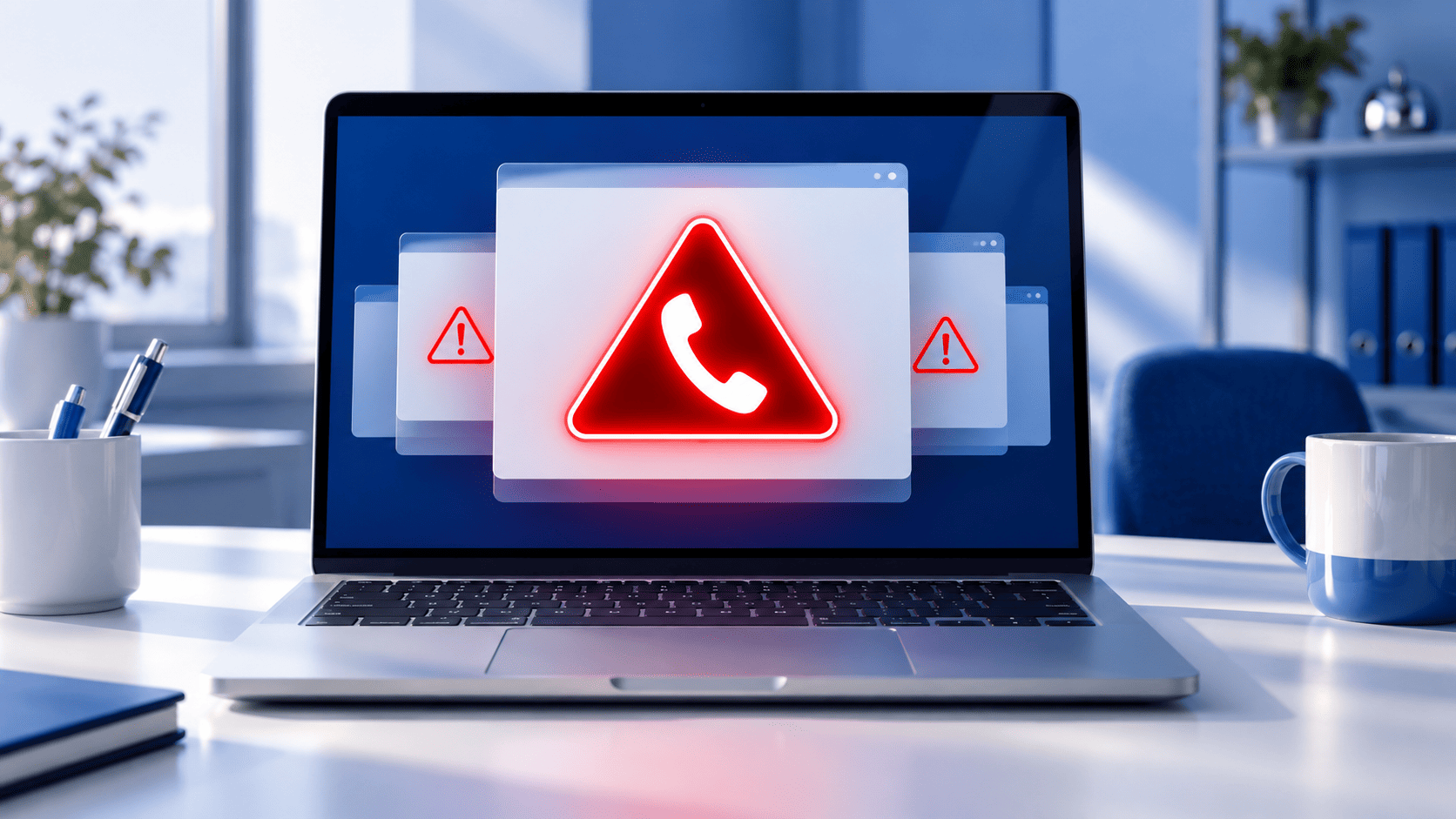
A warning fills the entire screen. The cursor disappears, the browser slows down, and a screen mimicking Microsoft Defender or Apple warns of a security issue. A prominently displayed phone number appears to prompt immediate callers.
The computer, however, is not necessarily infected or blocked.
Netskope Threat Labs has documented the September 24, 2026 a campaign of tech support scam Distributed via Google Ads. A tech support scam is a scam in which the user is convinced of a non-existent technical problem in order to trick them into paying, providing data, or granting access to their device.
How the fake virus alert in the browser works
According to Netskope, the user arrives on the page after clicking a Google ad. A loading screen is displayed first, followed by a normal-looking website. The malicious code waits for a mouse movement before activating, a technique used to avoid some automatic analysis systems.
At this point a different screen loads depending on the operating system.
On Windows it imitates Microsoft Defender Security Center. On macOS, however, it uses graphic elements attributable to Apple.
The page goes full-screen, hides the cursor, attempts to intercept the Esc key, and intentionally slows down the browser. It may also play alarm sounds and display messages warning you not to shut down your computer.
It all adds up to the same impression: the device is compromised and needs immediate assistance.
In fact, Netskope emphasizes that the operating system continues to run. It is the web page that creates the blocking effect.
How widely was the Google Ads campaign distributed?
Netskope observed the campaign between the August 31 and September 14, 2026.
In the period analyzed the following were detected:
- beyond 250 Google Ads campaign identifiers;
- at least 284 legitimate publisher sites on which the advertisements appeared;
- 457 hosts used for fraud;
- users belonging to at least 619 organizations who have reached the countryside.
Approximately 62% of the organizations observed were located in the United States, 16% in Japan, and 14% in Australia.
It's important to interpret these numbers correctly: they don't mean that 619 companies had their data stolen or made payments. They indicate the exposure Netskope observed to the campaign.
An ad on a legitimate site can still be dangerous
One of the most interesting aspects of the story concerns the point of entry.
The ads were also displayed on legitimate publisher sites. This means that the user did not necessarily have to be on an obviously suspicious page.
The site hosting the advertising space and the destination of the ad are two different elements.
That's why a generic rule like "don't visit strange sites" isn't enough. A scam can start even during a normal online search or while visiting a known site.
It therefore becomes more important to recognize what happens after the click.
If a helpline number appears, don't call it.
Microsoft provides a very clear indication: Genuine Microsoft error messages and warnings do not contain telephone numbers to call.
If a window claims that your computer is infected and simultaneously provides the number of a technician to contact, this is a clear sign of a scam.
The risk increases if, during the call, you are asked to:
- install a remote access program;
- provide passwords or personal information;
- communicate financial data;
- make a payment.
Microsoft warns that remote access can also be used to install malware, ransomware, or other unwanted programs.
What to do if your browser appears to be frozen
The first rule is do not call the number shown on the page and do not install programs suggested by the warning.
For the campaign analyzed, Netskope indicates to hold down Esc for a few seconds. This can force you out of full-screen mode and allow you to close the tab.
If the browser still does not respond, it can be terminated through:
- Activity Management on Windows;
- Forced exit on macOS.
When reopening, it is best to avoid automatically restoring the previous session, as this could also reopen the fraudulent page.
On a company device, it is also advisable to report the incident to the IT manager through an already known contact.
What to do if you've already contacted fake support
In this case it is essential to reconstruct what really happened.
Simply viewing and closing the page is different from installing software, providing a password, or allowing remote access.
Microsoft recommends, depending on the incident, removing any apps installed at the scammers' direction, running a full scan, changing passwords, and considering resetting your device. If payments were made, it also suggests contacting your card issuer.
In a corporate setting, these operations should be managed together with those responsible for IT security, providing a complete reconstruction of the steps taken.
What this means for your business
This campaign shows why cybersecurity can't be limited to saying "don't click on suspicious links.".
It is helpful for employees to already know:
- who to contact when an abnormal alert appears;
- where to find the correct contact information for the technical contact;
- what information to communicate after the accident;
- that do not have to install software or grant access based on a popup prompt.
A simple, well-known procedure reduces the risk of a moment of pressure turning into a bad decision.
DigiFe supports companies in managing the IT security, from prevention to verification of the systems and tools used daily.